
What is this page for?
Under Settings > Location details you manage the basic details of this location: name, address, contact details and opening hours. Your assistant uses this information to give callers the right answers.
How it works
- 1Fill in the company details
Enter the name, address, phone number, email and website. For the address, choose from the suggestions that appear as you type.
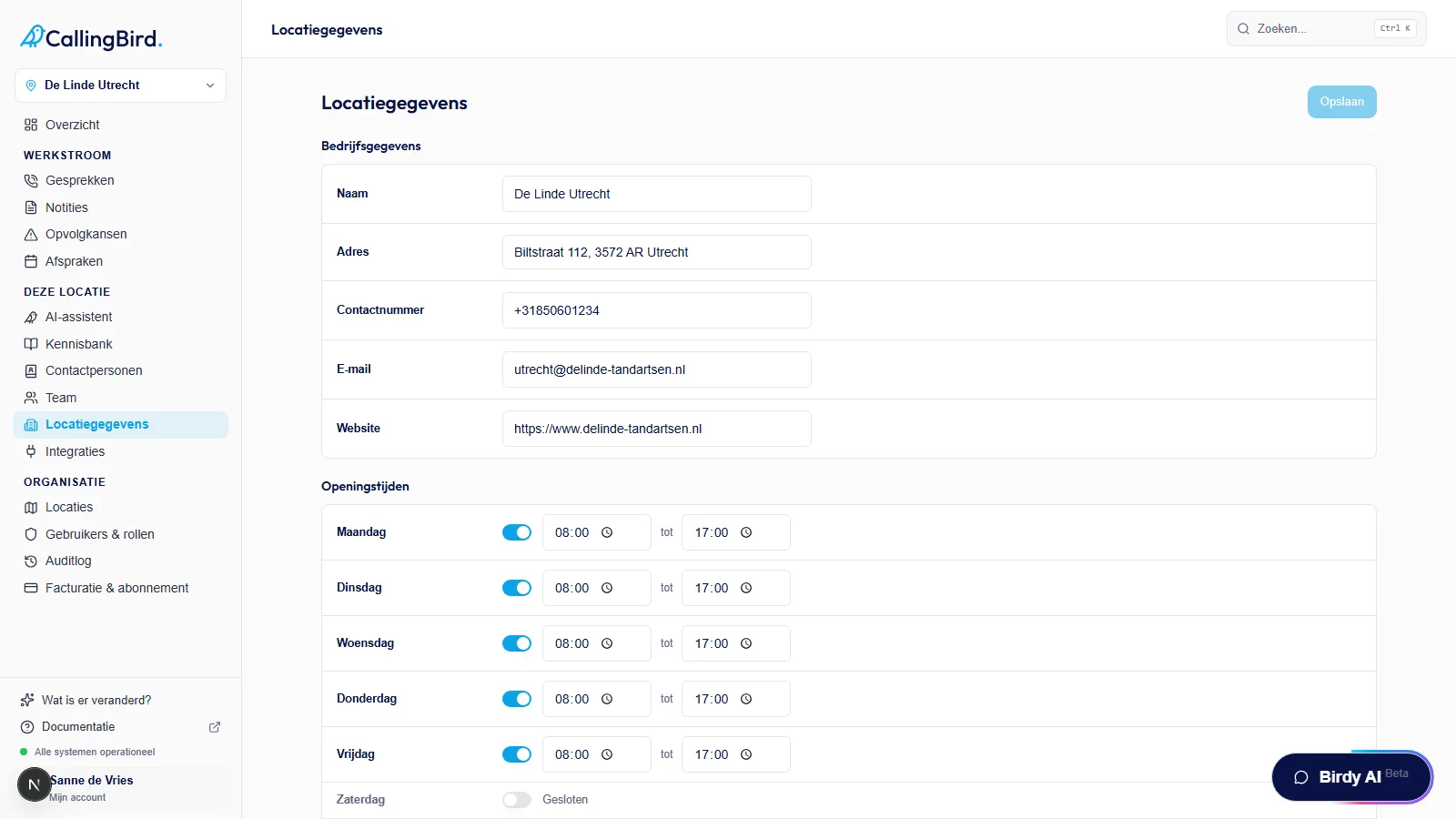
Fill in the company details for this location. - 2Set the opening hours
Set a start and end time for each day, or set the day to Closed.
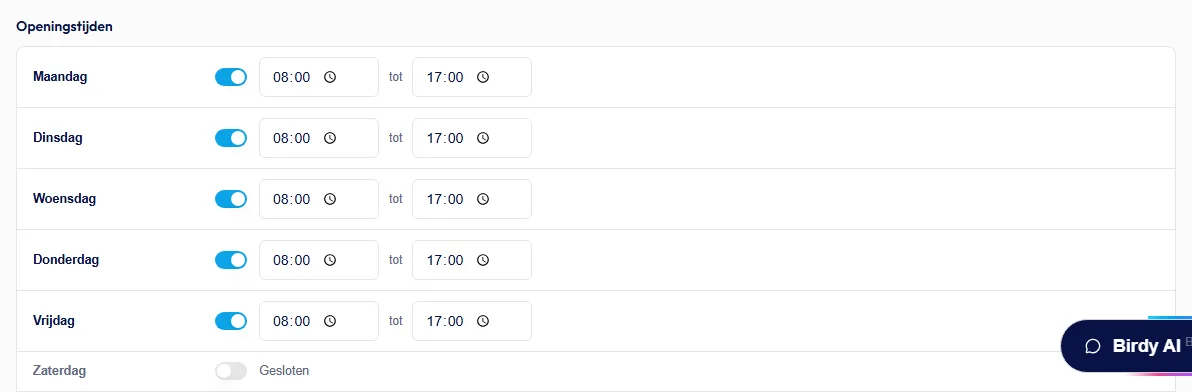
Set when you are open or closed for each day. - 3Save your changes
Click Save. Changes only take effect once you have saved them.
Good to know
- The assistant uses the opening hours for the Outside business hours only availability option under AI assistant, and to tell callers your opening hours.