
What is this page for?
Under Settings > Integrations you see all the connections available for this location, such as a calendar system or online store, with their status. From here you connect or manage a connection.
How it works
- 1Check the status
Each card shows Connected, Error or Not connected.
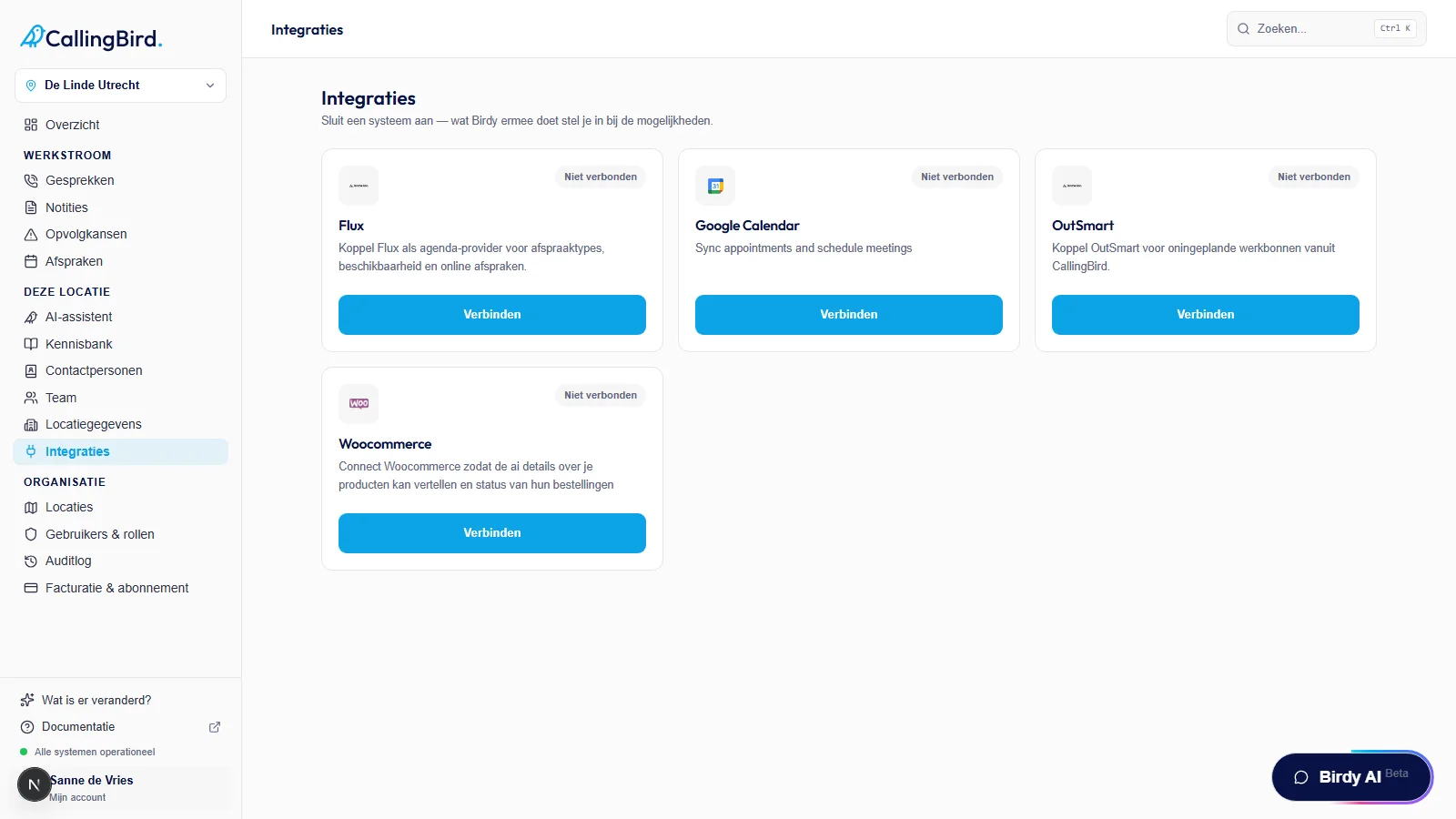
Each card shows the status of the connection at a glance. - 2Connect an integration
Click Connect on the card. Depending on the integration, a sign-in window or a form opens where you enter the required details.
- 3Manage a connected integration
Click Manage to change the scope, for example by sharing the connection with other locations, or to disconnect it.
Good to know
- The steps for each connection are under Integrations: Google Calendar, Flux, Shopify and WooCommerce.
- Parcelwill requires a connected Shopify store first.